
This may be the shortest “How To” I ever type!
1) Download Open Office – it’s FREE software that is 100 times better than anything MicroSoft has created http://www.openoffice.org/
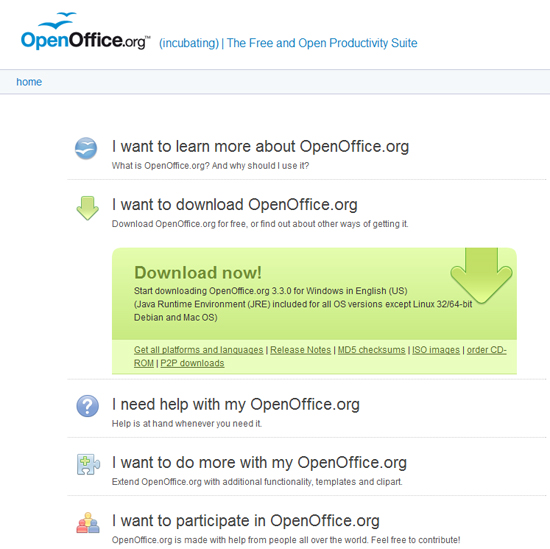
2) Install Open Office
3) Open – OpenOffice.org Writer
4) Create some Text
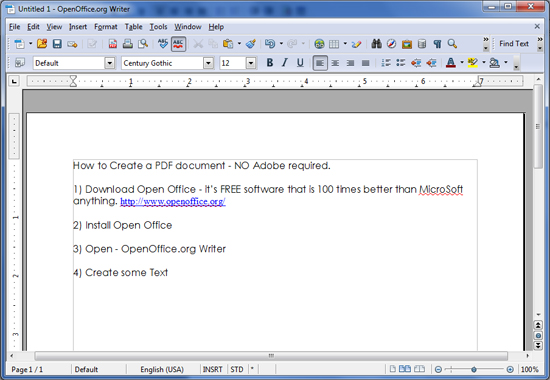
5) Click File > Export as PDF

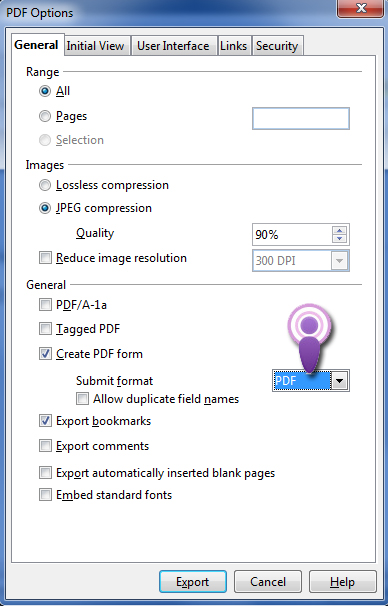
6) Make sure the Format is set to PDF (see the purple pointer)
7) Click Export
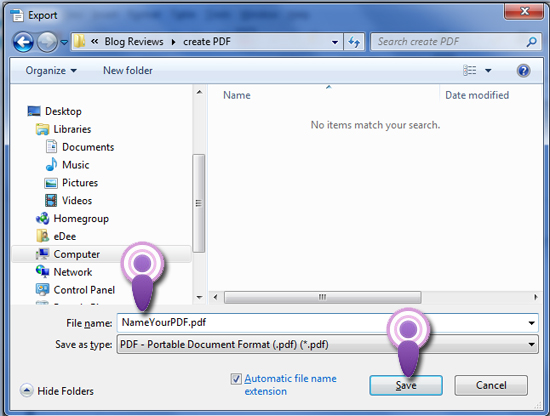
8) Name your PDF and click Save
Done!
Elements used to create Featured image Artwork provided by Created by Jill.